

What you’ll find here
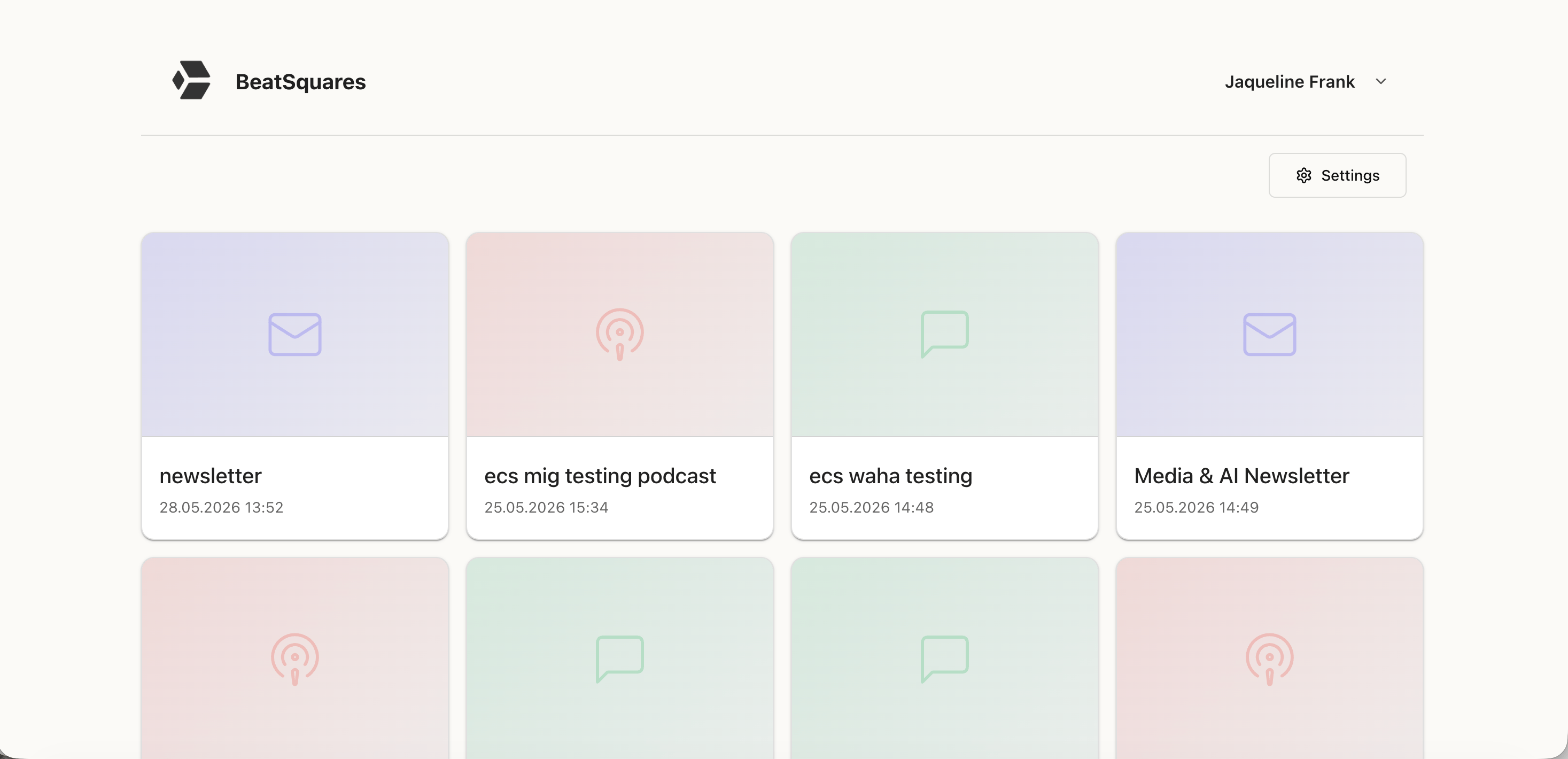
The dashboard has two main elements:- Your Squares – Each Square appears as a card showing its name, selected categories, and output format (podcast, newsletter, WhatsApp message). This lets you instantly see what each Square produces and what topics it covers.
- A “Create new Square” button – Start a new content stream for a different topic or output format.
How to use it
From the dashboard, you can either:- Click into an existing Square to create new content within it, or
- Create a new Square for a different content stream.
New to Squares? Before going further, we recommend reading Understanding Squares to learn the core concept.
What’s next?
Understanding Squares
Learn the core concept behind everything you create.
Creating Squares
Set up your first Square step by step.